
 Bluetooth
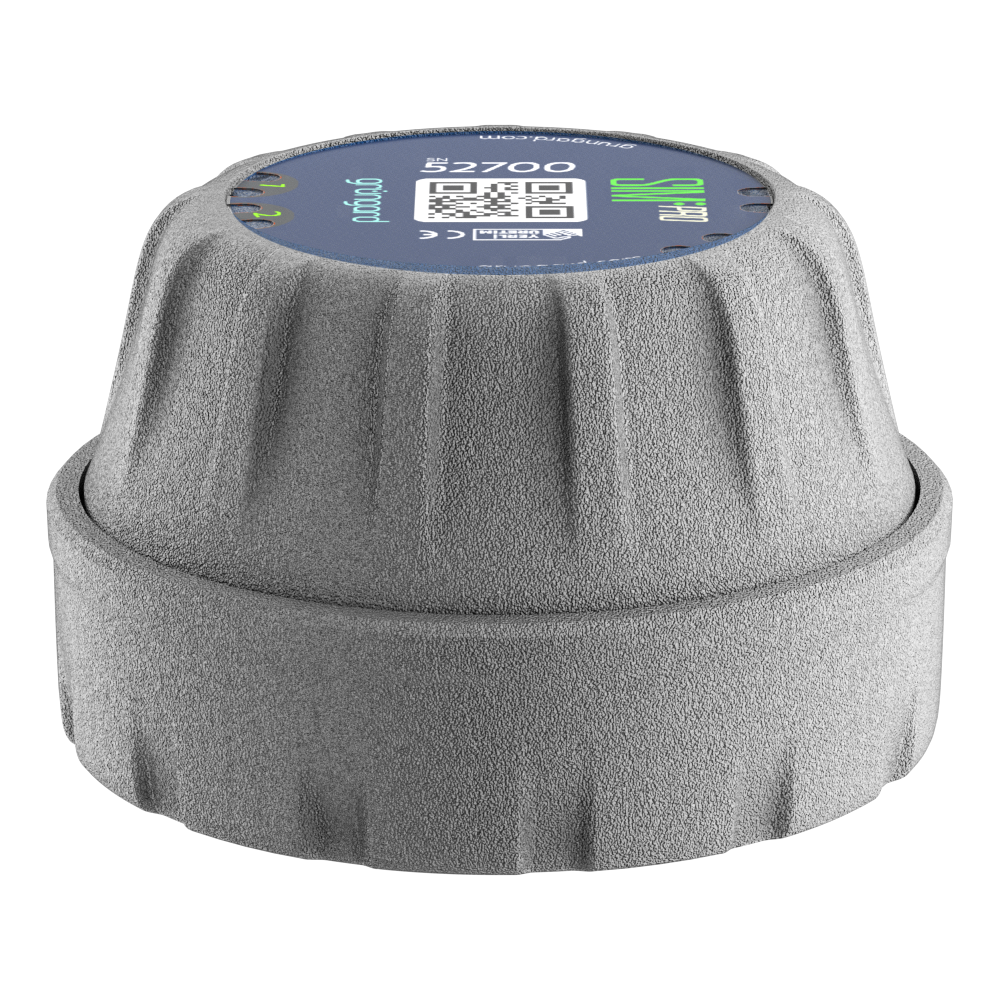 SIM Pro IOT
 Wi-Fi & Bluetooth
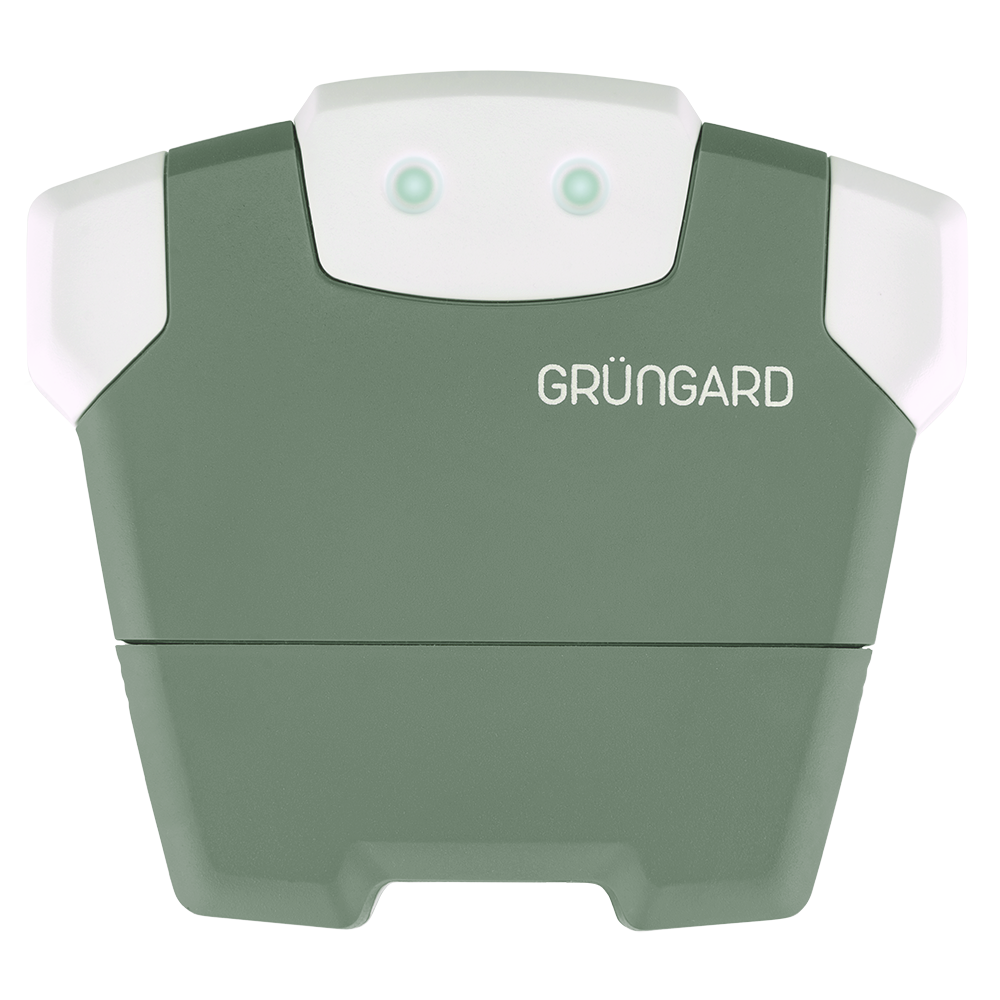 SimFarmer IOT

The Smart Irrigation feature in the app works independently of any physical sensor input.
Instead of requiring a rain sensor, the system uses real-time weather data from the internet to make irrigation decisions.
If Smart Irrigation features (Rain, Wind, Sun) are not working as expected, check the following points:
1. Internet Connection #
The device must have a continuous internet connection to retrieve weather data.
If the internet is offline at the scheduled irrigation time, the device cannot access the latest weather report and will run the programmed schedule without Smart Cancellation.
2. Feature Activation #
Open the Smart Irrigation menu in the mobile app.
Make sure the toggle for the feature you want to use (e.g., Rain) is turned on.
3. Location Accuracy #
The device fetches weather data based on its configured location.
Check the device location in Settings and ensure the correct city or district is selected.
Incorrect location settings can lead to incorrect weather readings and unexpected irrigation behavior.
4. Sensitivity Settings #
If you say, “It rained but the device still irrigated,” review your sensitivity levels.
For example:
If Rain Sensitivity is set to 80%, and the forecast shows a 60% chance of rain, the device will not cancel irrigation.
Lowering the sensitivity percentage will increase the likelihood of Smart Cancellation.
Support #
If your settings are correct but the system is still not responding to weather conditions, contact us through WhatsApp Live Support for a technical check.


 +90 850 377 07 30


