
 Bluetooth
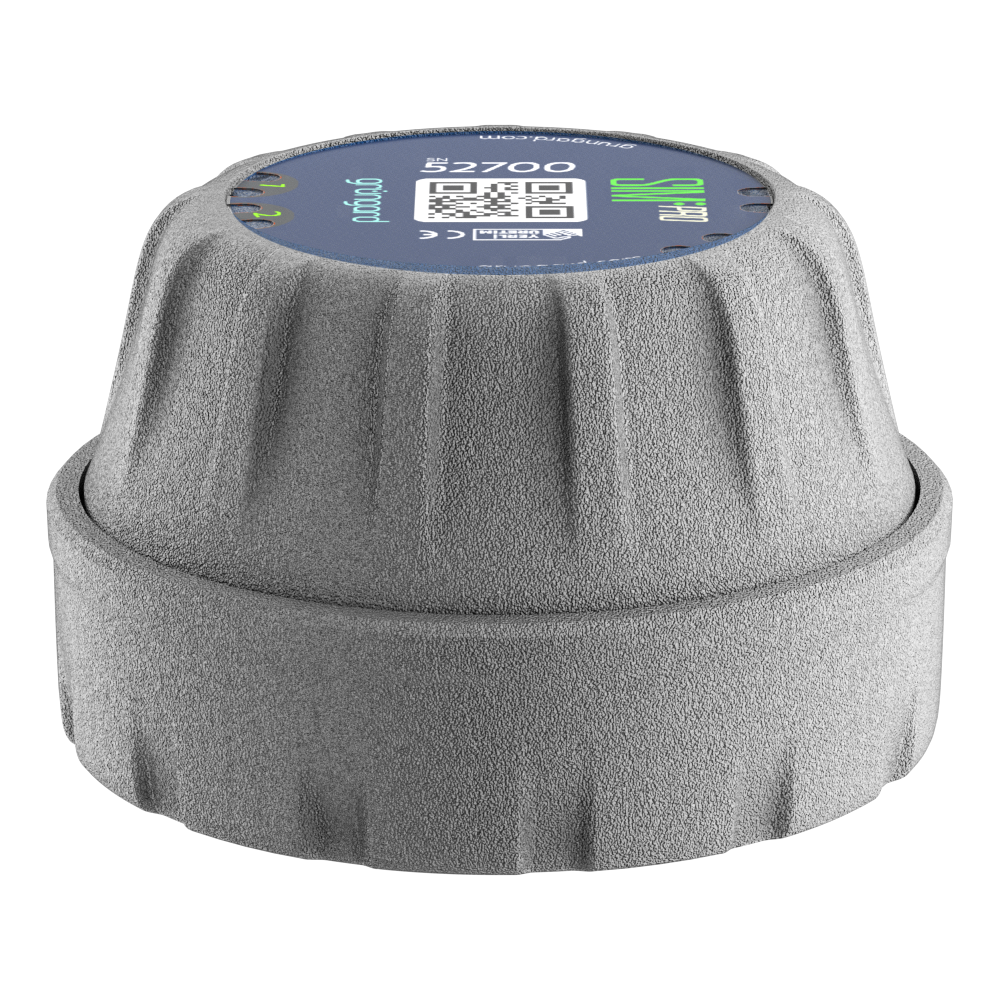 SIM Pro IOT
 Wi-Fi & Bluetooth
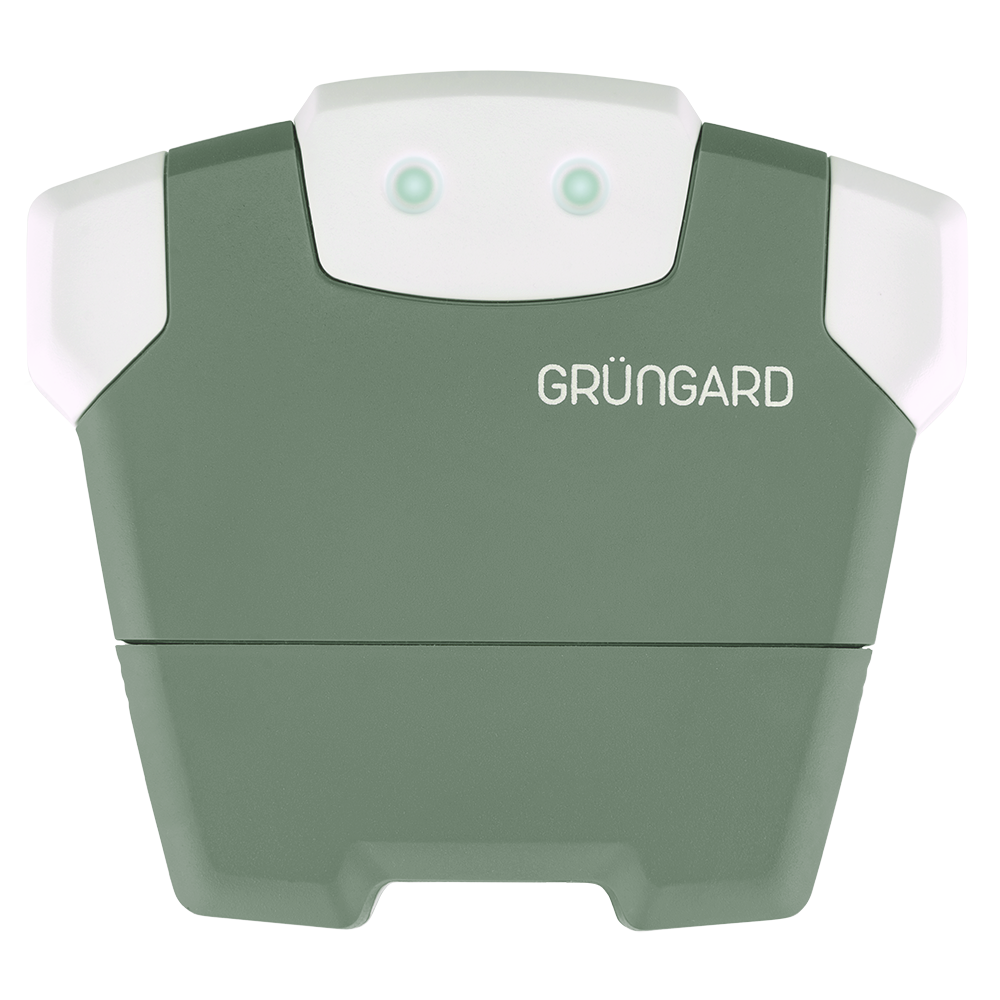 SimFarmer IOT

If your phone cannot detect the QR code on the device during setup, check the following points.
1. Lighting & Lens Cleanliness
Ensure the environment is well-lit; your phone may have trouble focusing in dark or dim environments. Make sure your phone’s camera lens is clean. Wipe it gently and try again.
2. Distance & Focus
Avoid holding the camera too close to the QR code. Keep the phone about 10–15 cm (4–6 inches) away, making sure the entire code fits inside the scan frame. If the camera struggles to focus, move the phone slowly back and forth until it sharpens.
3. Physical Condition of the Code
If the label on the device is torn, faded, scratched, or painted over, the camera may fail to read it. If the label is dirty, clean it gently with a slightly damp cloth and dry it before scanning.
Support
If the QR code still cannot be scanned or the label is damaged, don’t worry. Take a clear photo of the code and send it to us via WhatsApp Live Support. Our team will guide you through the setup process.
Water your garden with confidence — control is now in your hands.


 +90 850 377 07 30


