
 Bluetooth
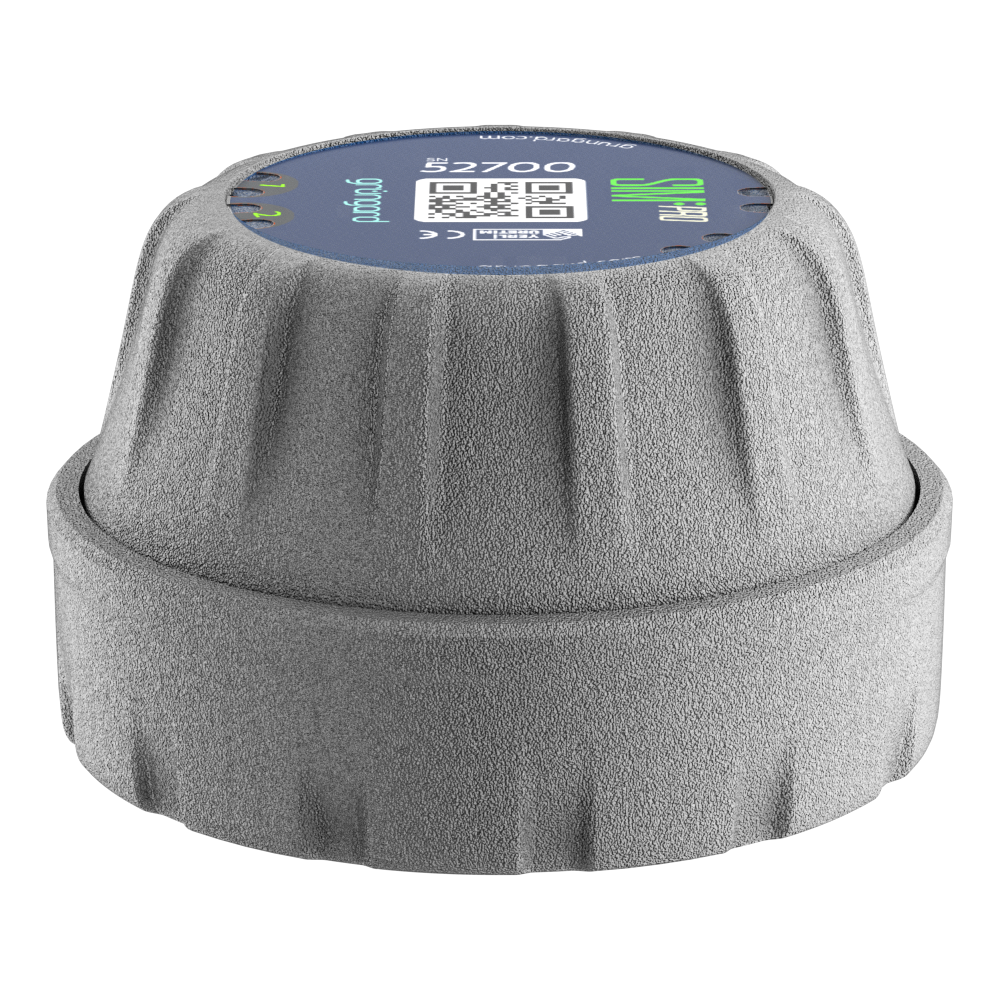 SIM Pro IOT
 Wi-Fi & Bluetooth
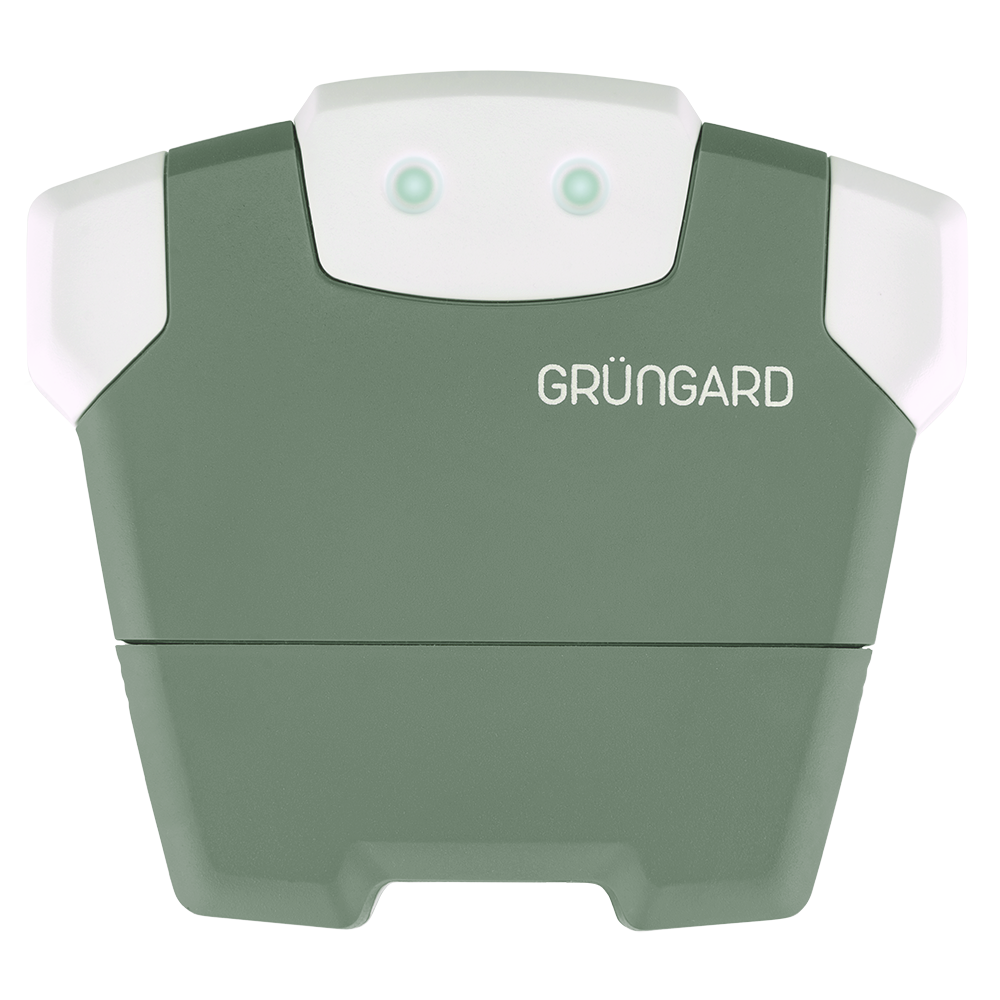 SimFarmer IOT

Installation & Setup #
1. Preparation #
Before removing your old irrigation controller, take a clear photo of the existing wiring so you can easily remember which color corresponds to which zone.
This image will serve as a reference during installation.
For your safety, unplug the power adapter of the old device before starting any work.
2. Removal & Mounting the New Device #
Carefully disconnect all wires from the old controller and remove it from its mounting location.
Mount your new Grüngard controller securely onto the surface using the included mounting hardware.
3. Wiring Connections #
Start by connecting the common line.
Take the common wire you removed from the old controller (usually labeled C or COM) and connect it to the C output on the Grüngard device.
Next, connect the zone wires:
Attach each zone cable to the corresponding numbered zone output, starting with Zone 1.
Important Warning:
Do not plug the power adapter into the outlet until all wiring and mounting steps are fully completed.
4. Power & App Setup #
After confirming all connections are correct, plug the adapter into the outlet to power the device.
Download the Grüngard mobile app on your phone and follow the on-screen instructions to complete the setup.
Use the app to perform a test and ensure the system is functioning properly.
Support #
If you encounter any issues, contact us via our WhatsApp live support line.
Our technical team will assist you promptly.
Water your garden with peace of mind—control is now in your hands.


 +90 850 377 07 30


