
 Bluetooth
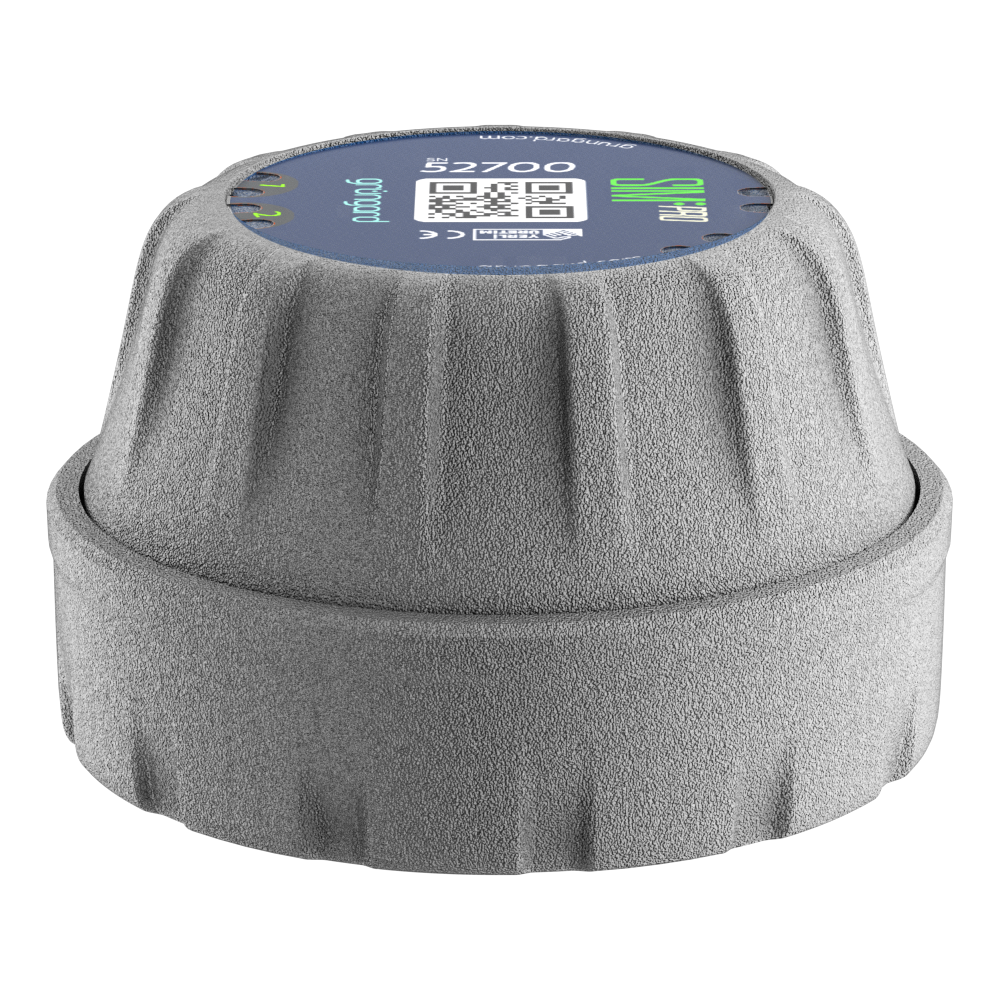 SIM Pro IOT
 Wi-Fi & Bluetooth
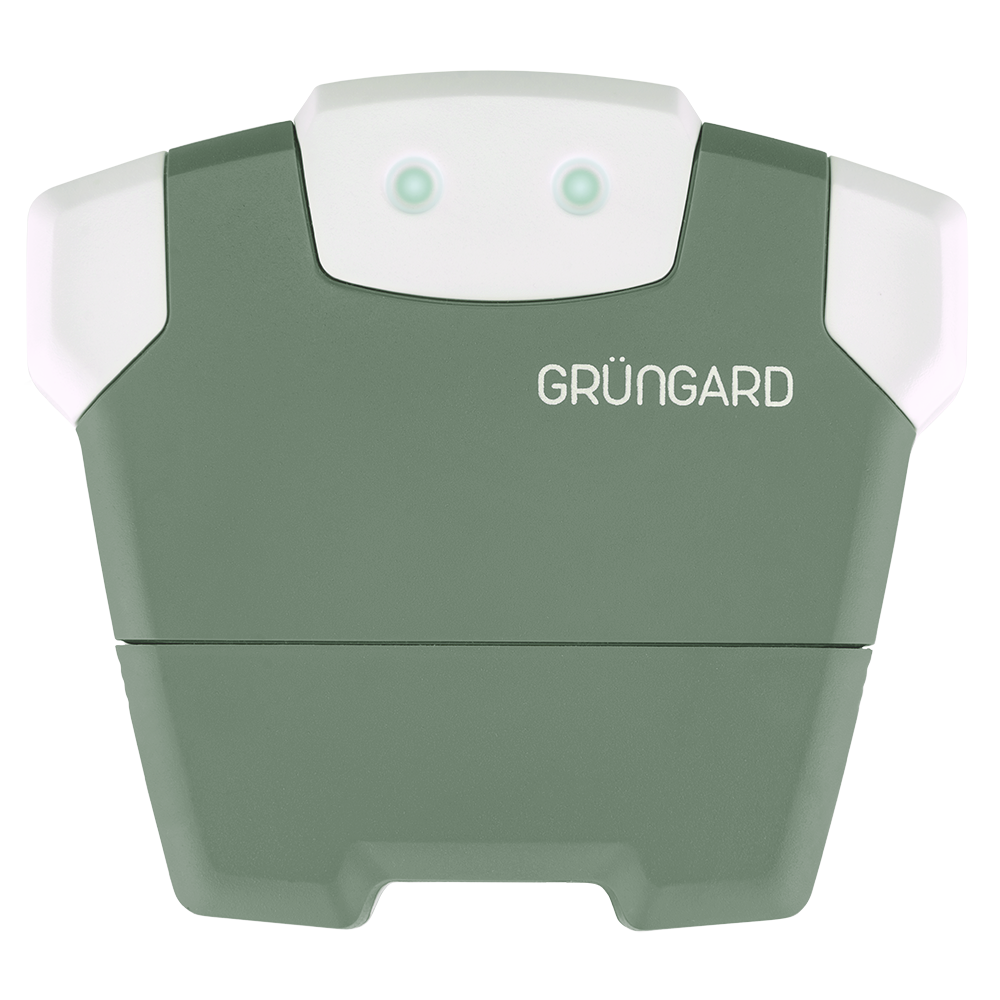 SimFarmer IOT

Grüngard Quick Setup Guide #
This guide provides the essential steps to get your device up and running quickly.
For full installation details, please refer to the complete manual of your specific product.
1. App Preparation (All Models) #
Download the Grüngard app from the App Store or Google Play.
Open the app, enter your phone number, and verify your account with the SMS code.
Ensure Bluetooth is enabled on your phone.
2. Hardware Installation #
Follow the steps for your specific model:
A. Gardener Series (24V – Wi-Fi) #
Mount the device on a wall where the Wi-Fi signal is strong.
Connect the solenoid valve wires (no polarity):
One wire to C (Common)
The other to the relevant zone output
Plug the adapter into the outlet first, then into the device.
(Compatible only with 24V AC valves.)
Make sure your router broadcasts 2.4 GHz Wi-Fi.
B. Bluetooth Series (9V – Battery Powered) #
Install the device inside a valve box or on a wall (the device is waterproof).
Connect valve wires by color:
Black wires → C (Common)
Red wires → zone outputs
Insert the batteries after completing all wiring.
(Compatible only with 9V DC latching valves.)
Ensure the cover is fully closed.
3. Pairing & Initial Test (All Models) #
Tap the + button on the app’s home screen.
Scan the QR code on the device.
For Gardener (Wi-Fi) models, follow the on-screen instructions to enter your Wi-Fi password.
(This step is skipped for Bluetooth models.)
Setup is complete! Use “Water Now” to run your first test.
Support #
If you need assistance during setup, contact us anytime via our WhatsApp live support line.
Water your garden with confidence — control is now in your hands.


 +90 850 377 07 30


